Listen to Praise 102.5 On Your Smart speaker
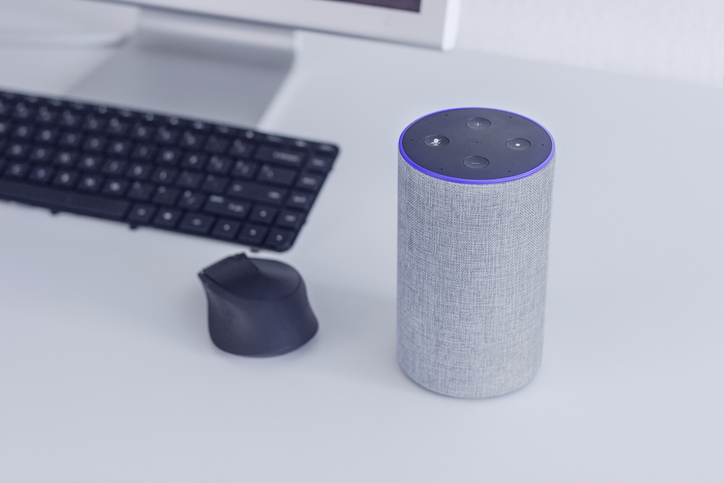
How to Listen to Praise Charlotte on Alexa: Complete Setup Guide
Stream Praise 102.5 FM / 610 AM instantly on your Amazon Echo, Echo Dot, or any Alexa-enabled smart speaker with simple voice commands and quick setup instructions. Charlotte’s premier gospel radio station is now available hands-free on all Alexa devices.
Setting Up Praise Charlotte on Your Alexa Device
Follow these quick steps to enable Praise Charlotte on your Alexa smart speaker:
- Download the Amazon Alexa app on your smartphone (available on iOS and Android)
- Open the Alexa app and navigate to the Skills & Games section
- Search for “Praise Charlotte” and enable the station skill
- Say the voice command: “Alexa, play Praise Charlotte”
Voice Commands for Praise Charlotte on Alexa
Once you’ve enabled the Praise Charlotte skill, activate the station anytime by speaking clearly to your Alexa device. Simply say: “Alexa, play Praise Charlotte” and start enjoying Charlotte’s #1 gospel music, inspirational programming, community news, and faith-based content.
Compatible Alexa Devices
Praise Charlotte works on all Amazon Alexa-enabled devices, including Amazon Echo speakers, Echo Dot compact speakers, Echo Show smart displays, Fire TV devices, and third-party Alexa-compatible smart speakers.